User Profile
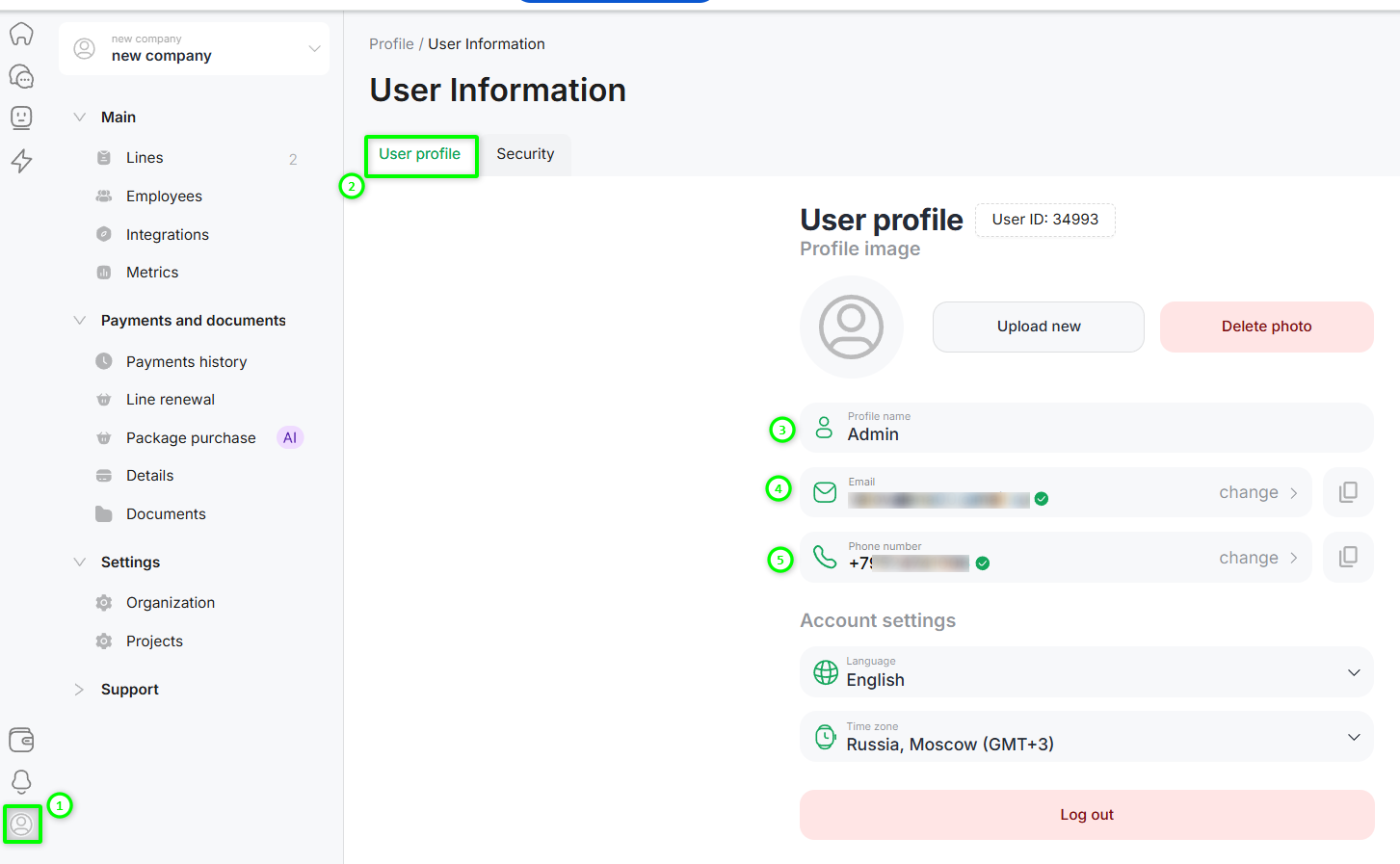
To open the user profile, click the profile icon in the lower-left corner of the screen.
In the opened window, you can:
- change the full name of the personal account;
- change the email address;
- change the phone number;
- select the interface language;
- set or change the avatar.
When changing the email address or phone number, you must confirm the new details using a verification code.
Changing the Personal Account Password
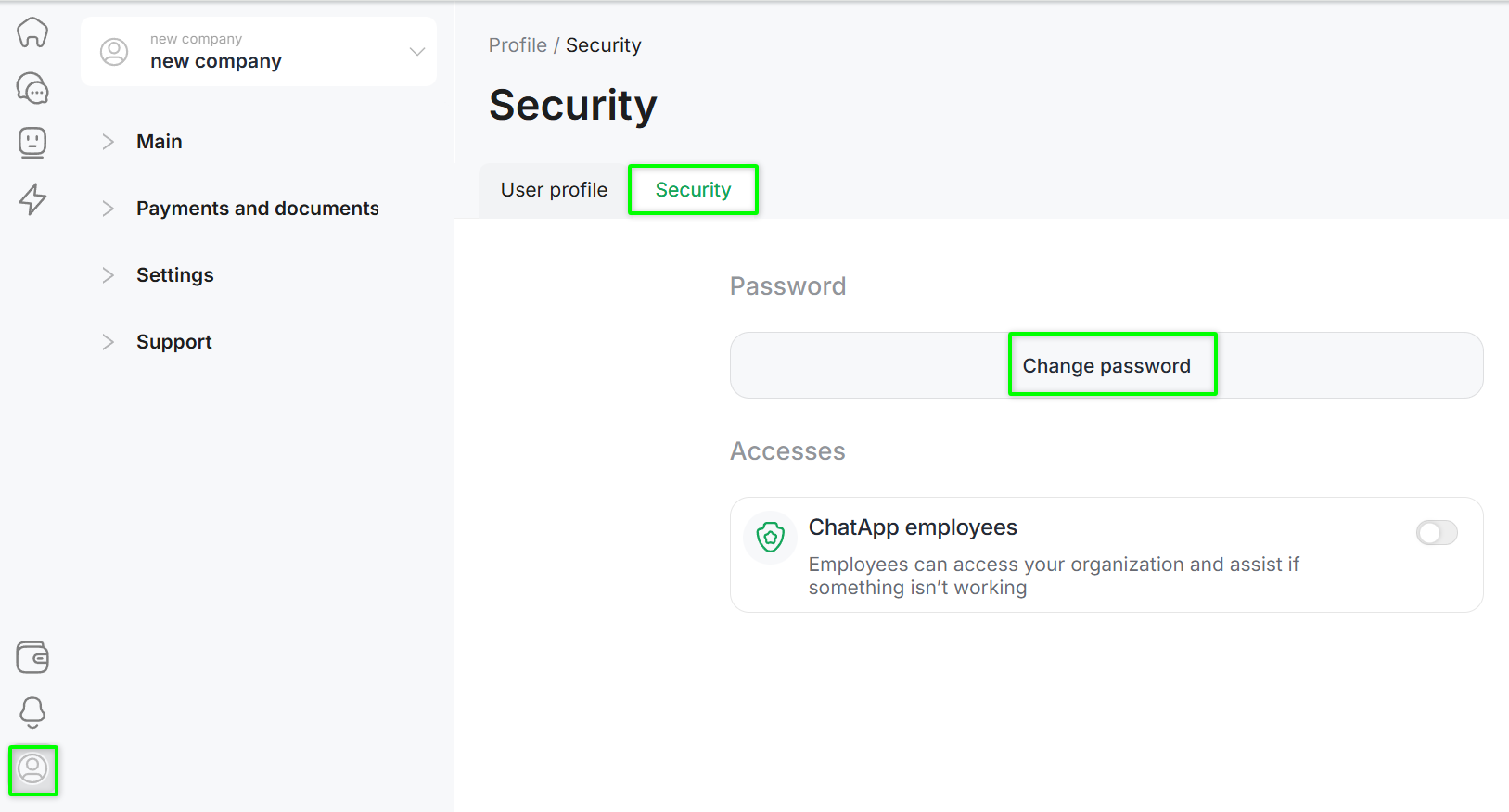
Open the user profile (profile icon in the lower-left corner) → go to the «Security» section → click «Set password», then enter the current and new passwords.
If you do not remember the current password, you can recover it via the personal account login window:
Step 1. Enter the email address associated with the personal account and click «Sign in».
Step 2. Click «Recover password».
Step 3. Follow the link in the email sent to the registered email address and set a new password.
The password reset link is valid for a limited time.