Line Configuration
A line is an entity that объединяет a set of messenger channels and their related settings.
A line is used to manage communication channels, expiration dates, and additional settings.
To open the line settings, select the «Lines» section in the left-hand menu, then choose the line you want to configure.
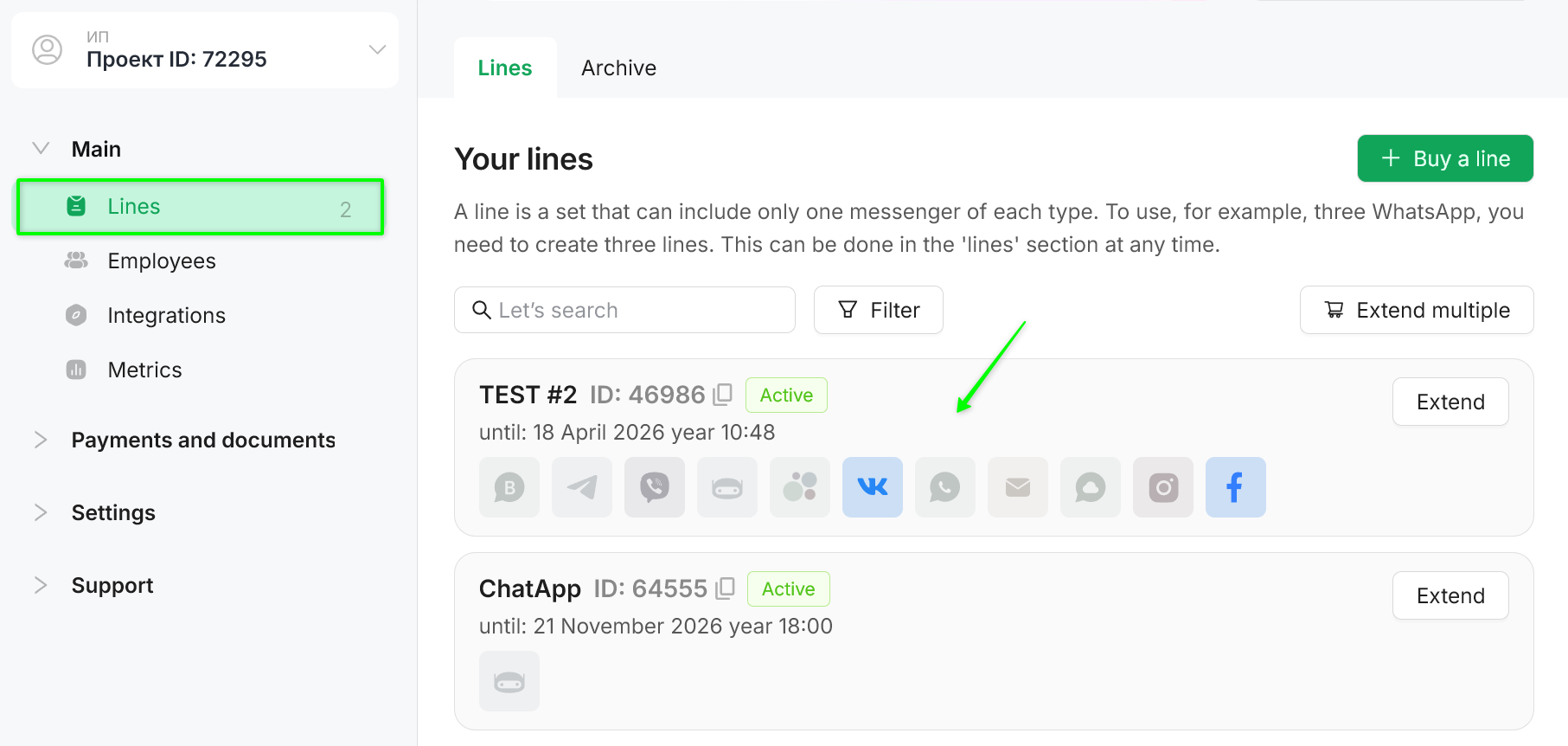
The line number is a unique 5-digit identifier assigned to a line when it is created.
Please provide the line number when contacting technical support if you have questions about line settings or connected channels. This helps quickly identify the line and speeds up request processing.

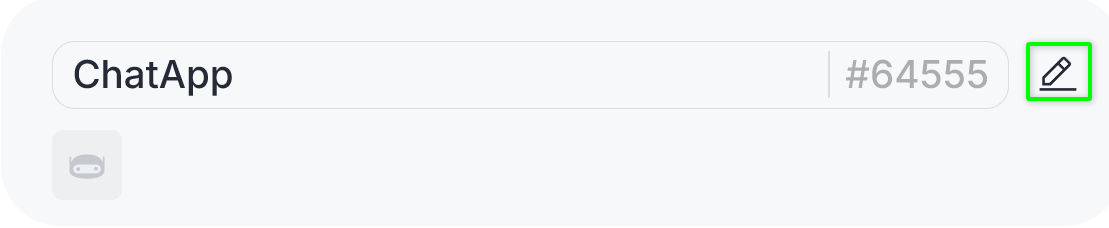
To change the line name, click the pencil icon.
To save the changes, click the checkmark icon.
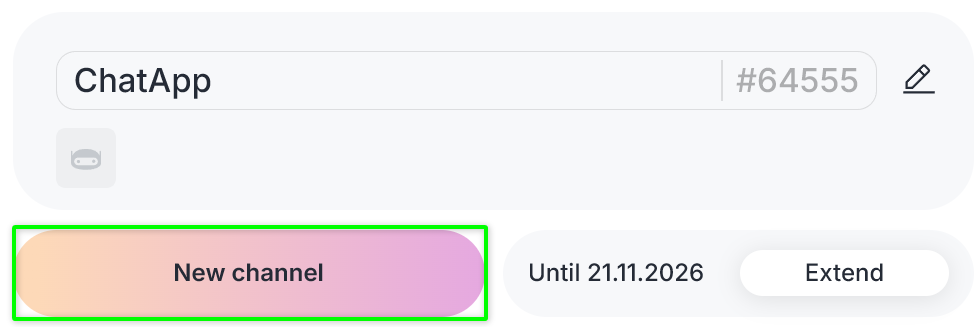
Click the «New channel» button.
In the opened section, select the communication channels you want to add.
Click «Done», then «Next», and proceed to order payment.
You can completely replace the channel configuration of a line no later than 5 days before its expiration date.
Adding channels is available if there are more than 10 days remaining before the line expires.
If there are 10 days or less remaining before the line expires, adding channels is not available.
You can learn more about payment methods and receiving invoicing documents in the article «Payment Methods and Invoicing».
A line must be linked to at least one project.
One line can be linked to multiple projects within the same organization.
A line cannot be linked to projects belonging to another organization.
Transferring a line between organizations is not supported.
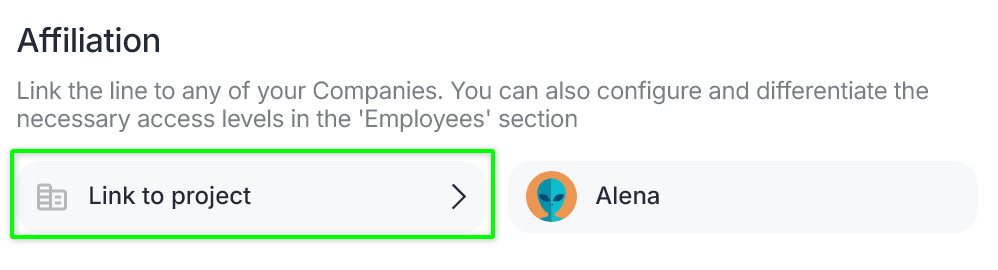
To change the line assignment, click «Link to project» and select the required projects.
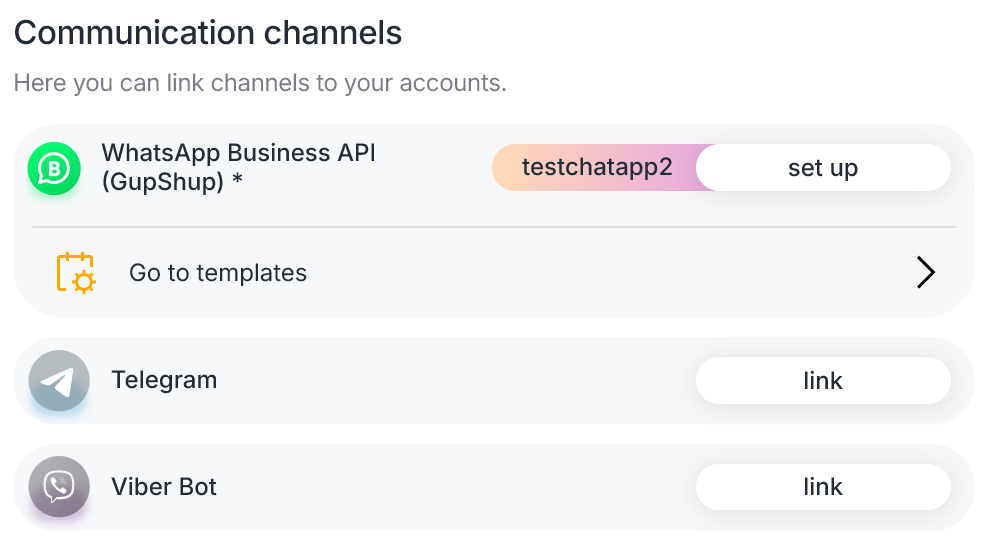
The «Communication channels» section displays the channels included in the line.
Clicking «Link» authorizes the channel.
Authorized channels are available for configuration and can be unlinked if necessary.
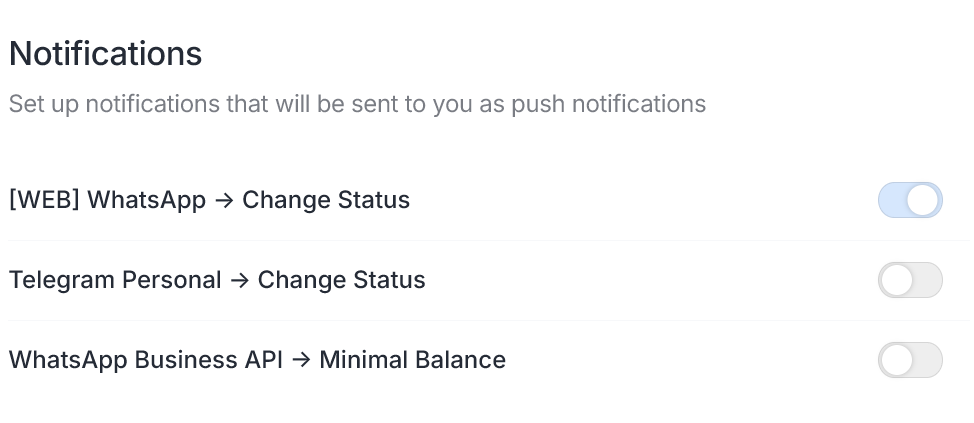
Enable Telegram notifications to receive alerts related to specific lines.
Notifications sent to the messenger include: line expiration, channel status changes (authorization/deauthorization), a 7-day warning before line expiration, and line archiving. For details, see the instructions.
In the «Alerts» section, enable the required notifications.
When multiple lines are connected, messages between them may be processed.
For example, if a company uses several work phone numbers connected to ChatApp lines, conversations between employees using these numbers may appear in dialogs and trigger deal creation in the CRM.
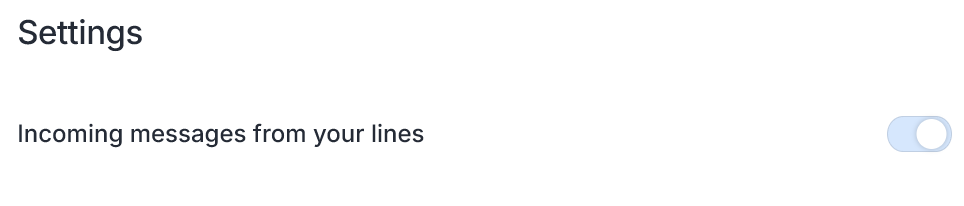
By default, the option «Incoming messages from your own lines» is enabled in dialogs.
To exclude processing messages from other lines of your company, disable this option.
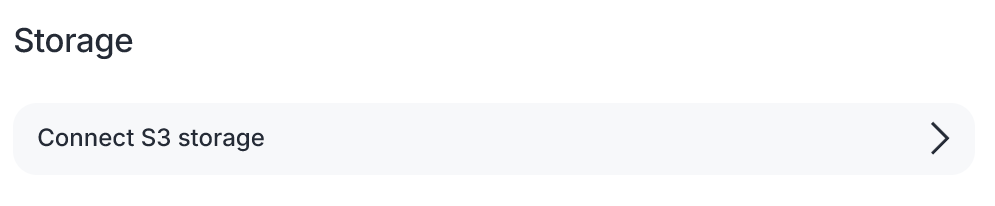
S3 storage is a cloud service that allows you to store files of any type and size. It is most commonly used to store images, videos, source code, document archives, and more.
If the storage was not linked during project setup, the system will prompt you to add storage and configure the connection.
For instructions on how to configure the connection, see the relevant article.
After the expiration date, the line is automatically moved to the archive.
If necessary, you can manually archive a line if it is temporarily not in use and should not appear in the general list.
When a line is archived:
- automatic payment is disabled;
- connected channels remain active and can be manually disconnected if needed.

After the expiration date, the line is automatically moved to the archive.
If you do not plan to create a new line, you can renew the existing line.
To do this, go to the archive and select the required line.
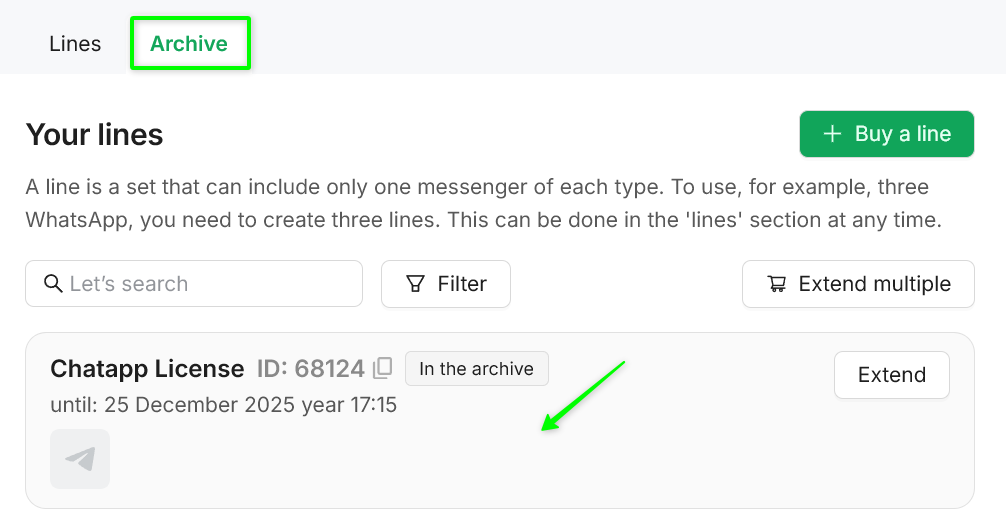
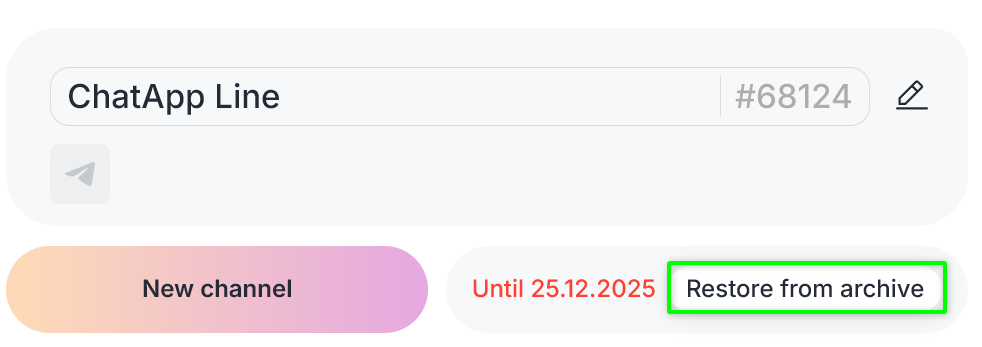
Click «Restore from archive».