A demo line is provided to new users for 3 days so they can explore all the features of the service.
Step 1. Register in your ChatApp account.
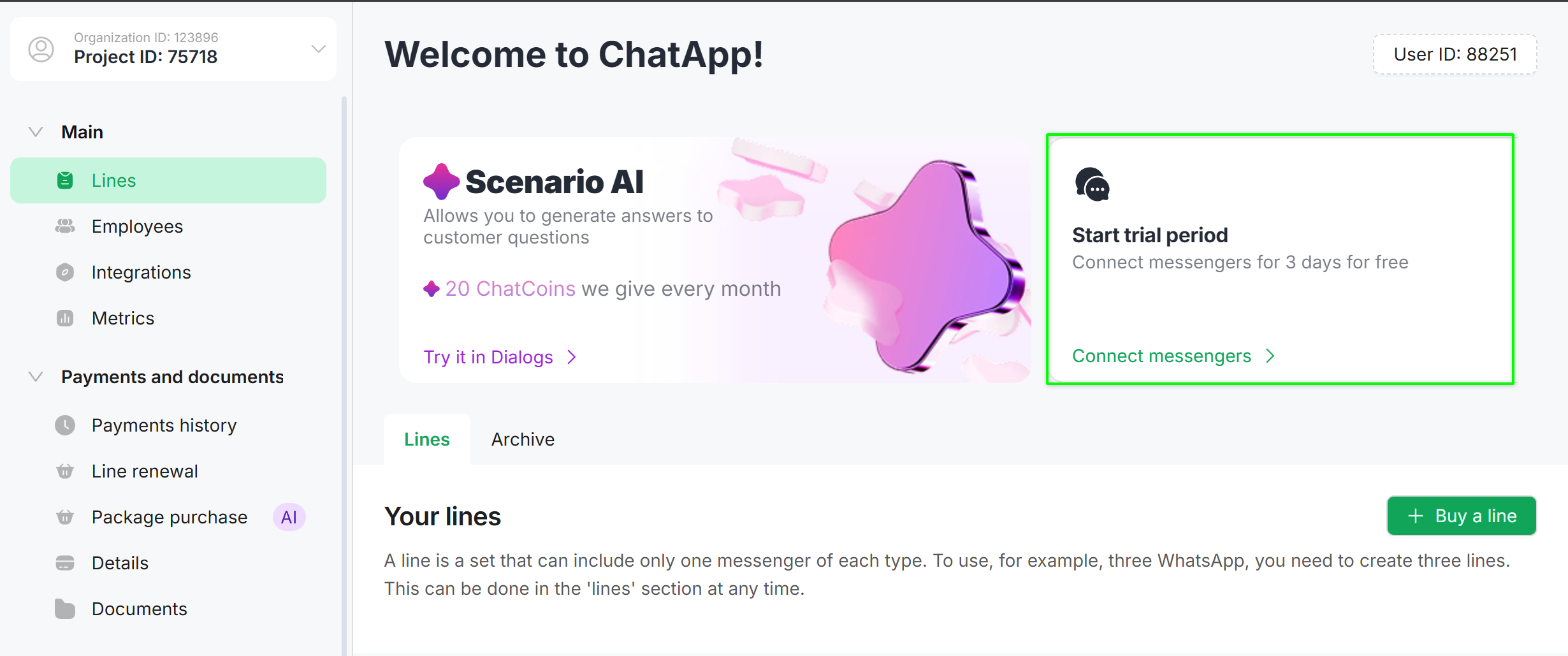
Step 2. Click on the “Connect messengers” banner.
Step 3. Select the channels you want to test.
If you need to test more channels than are available in the demo line, contact support — they will add them for you.
In demo mode, there is a limit on broadcasts: no more than 20 recipients per campaign. This limit is removed after purchasing a line.
We recommend extending the demo line when purchasing — this way, all connected channels and configured automation will be preserved. Otherwise, when creating a new line, you will need to reconnect the channels and set up automation again.


