1. Set up Salesbot.
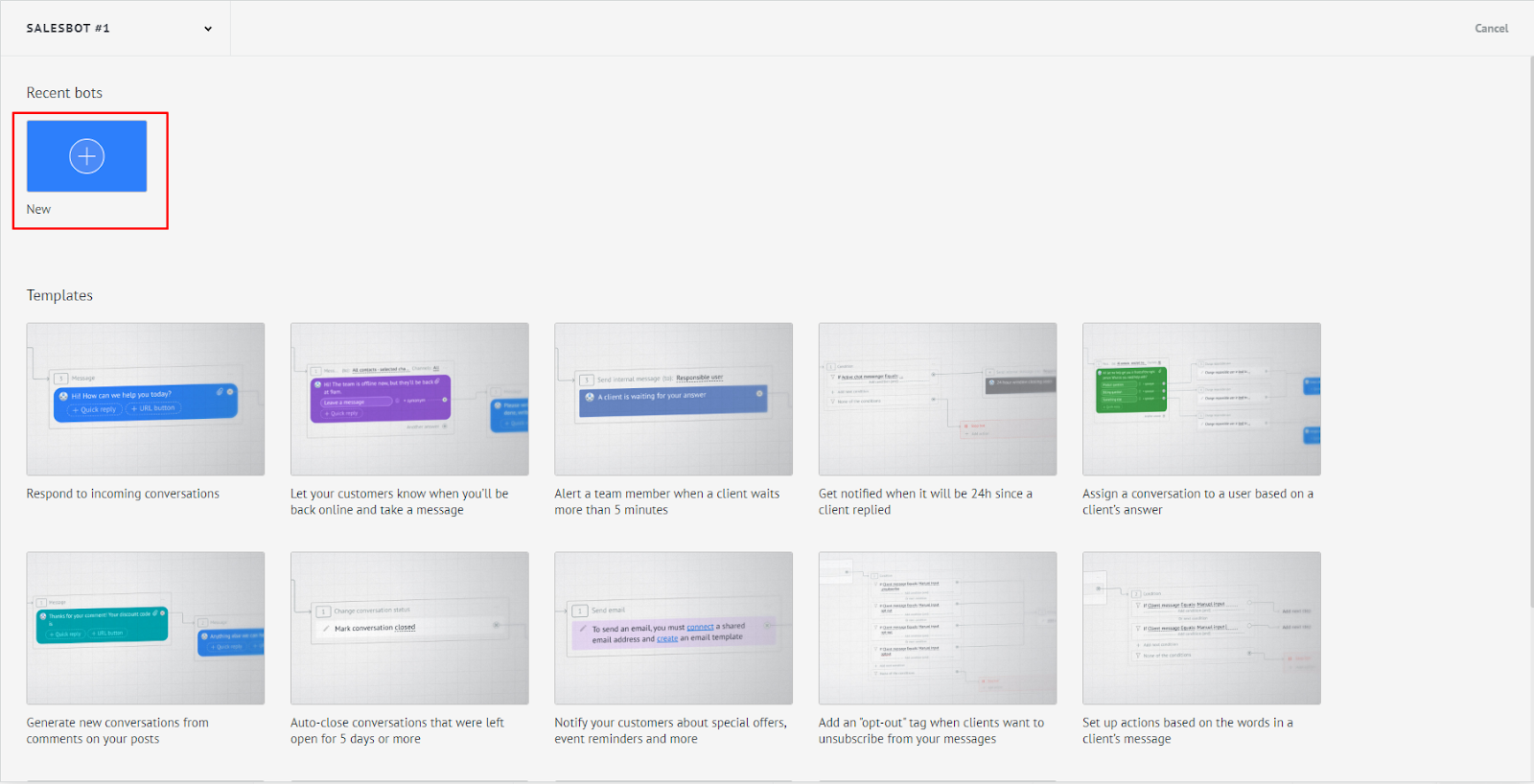
2. Create a new bot.
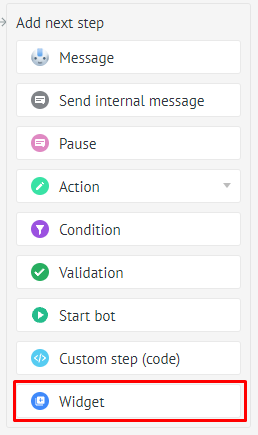
3. The next step of the bot, select – widgets:
4. Select the ChatApp widget → Adding a member to the group.

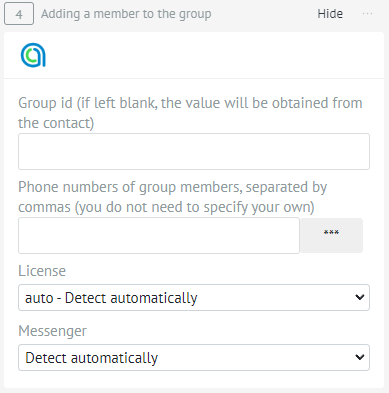
5. Fill in the data:
There are two ways to fill in the group ID.
1. Leave the field blank to get the ID from a group contact.

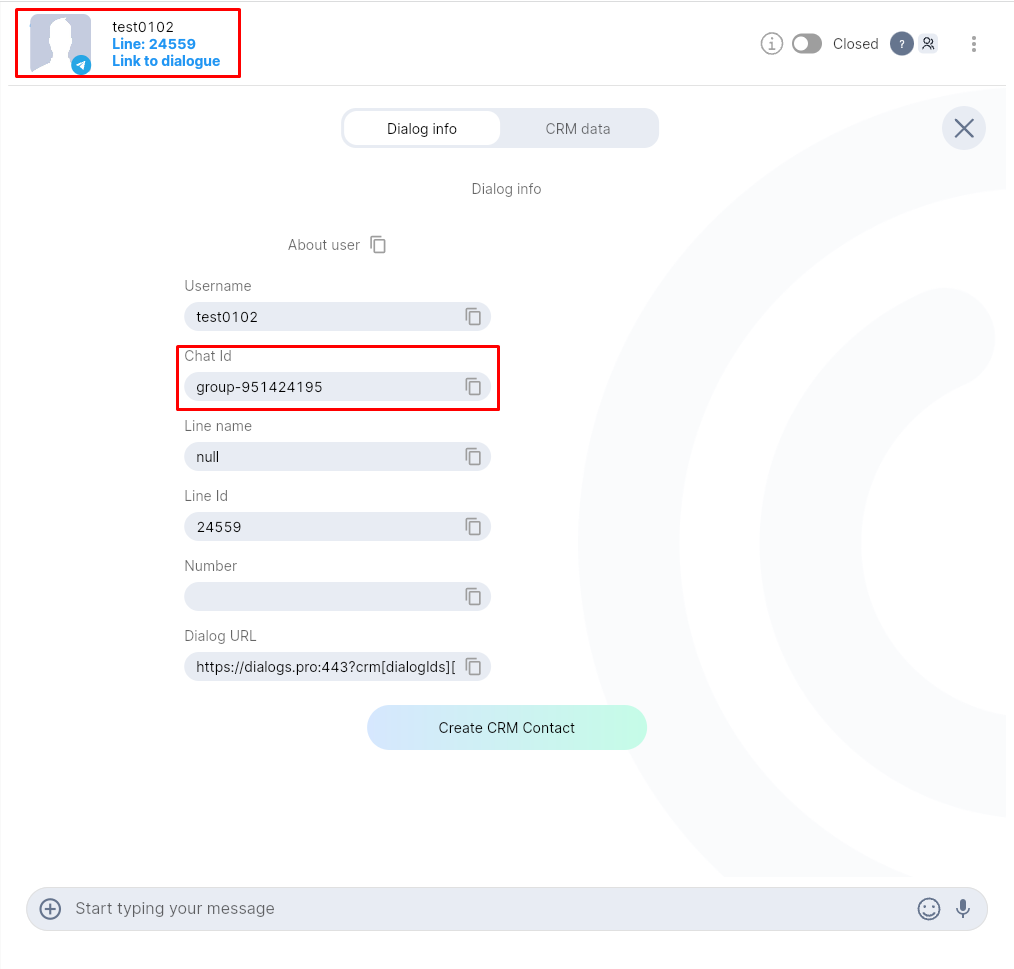
2. Fill in the field manually, the group ID can be found in the ChatApp Dialog.
2. Specify the phones of the participants.
3. Select a license, if you have one license, you can leave automatic detection.
4. The messenger will be automatically detected by the group ID.