1. Set up Salesbot
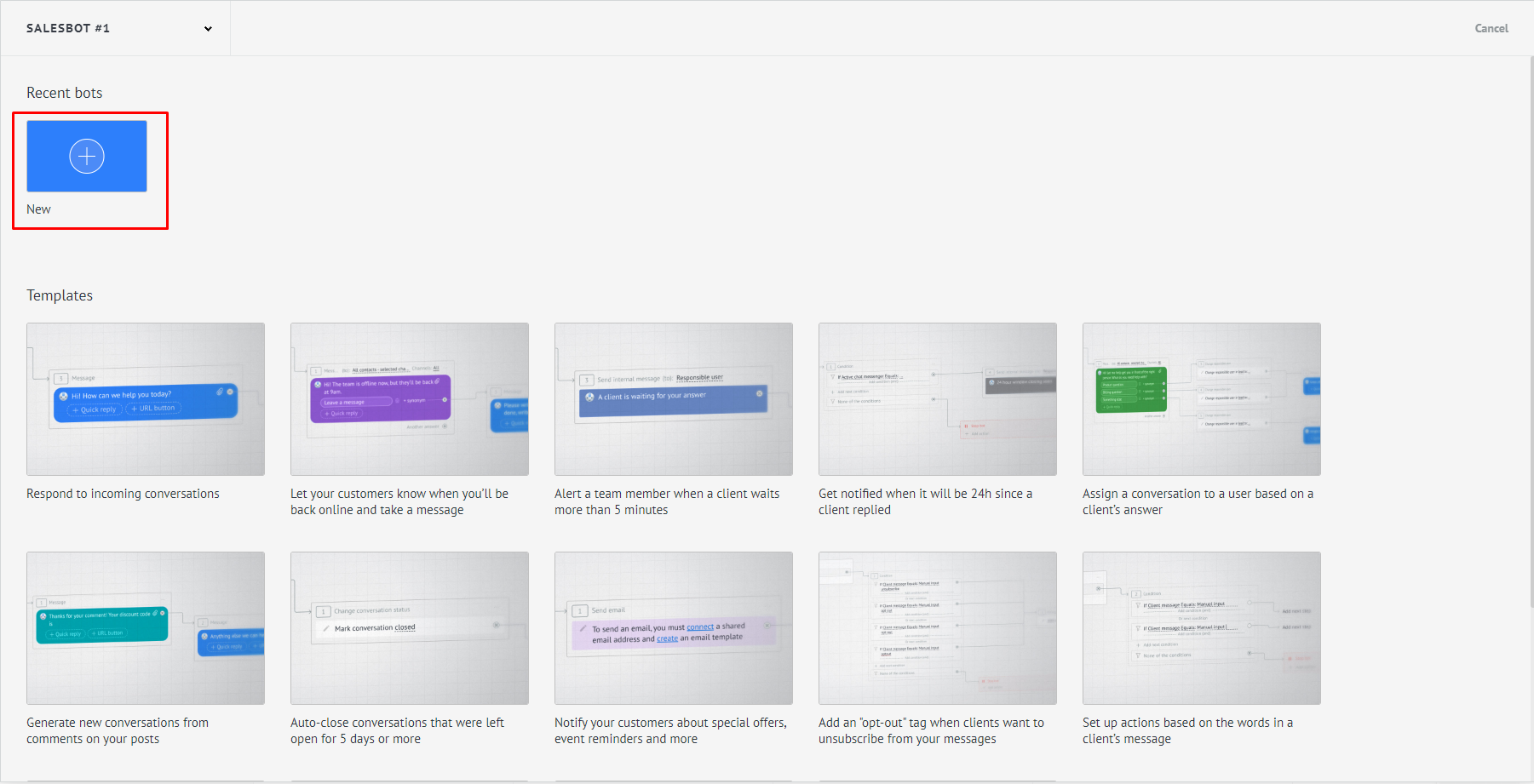
2. Create a new bot.
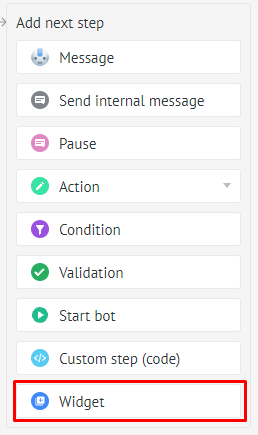
3. In the next step, select widgets.
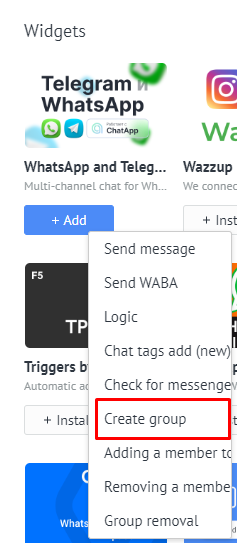
4. Select the ChatApp → Create Group widget.
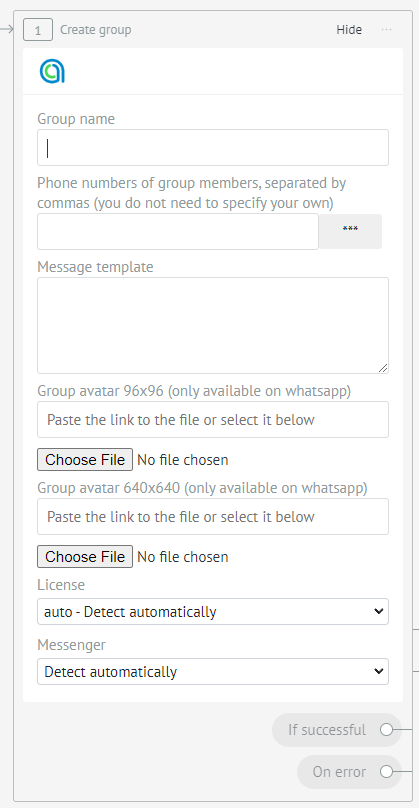
5. Enter data:
- Group name
- Enter the phone numbers of group members to add them immediately.
- Enter your welcome message.
- Select group avatars.
- Choose a license or leave auto.
- Select your preferred messenger in which the group will be created.