To send messages through Salesbot, set up a widget and a funnel.
- Create a new bot:
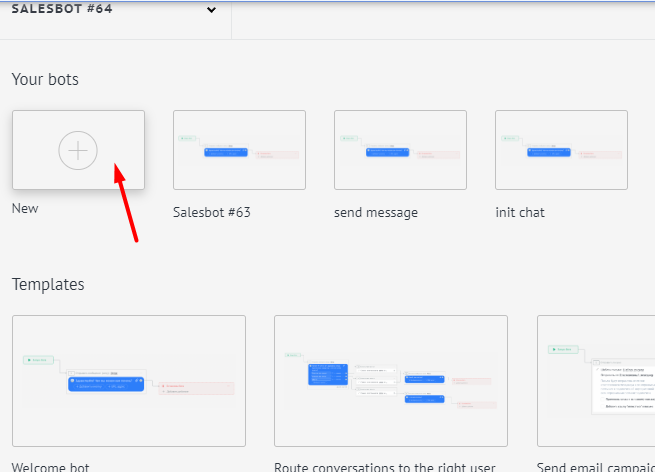
- In the bot settings, select – widgets:
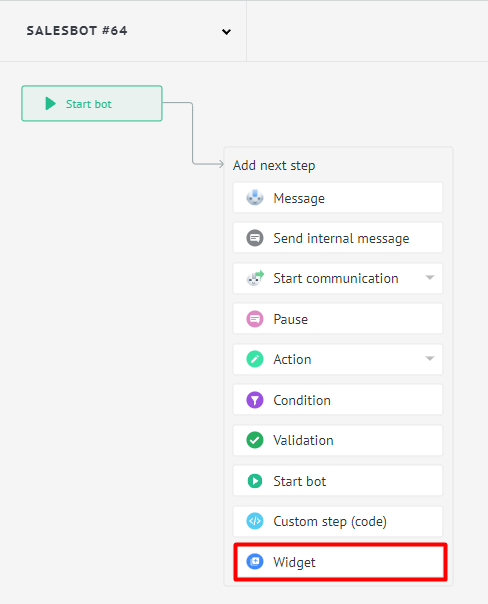
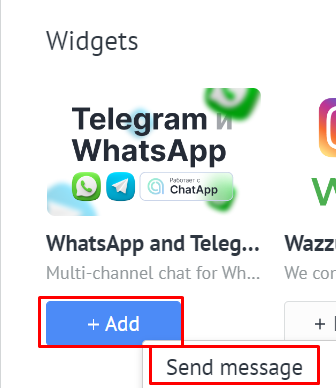
- Select the widget ChatApp – Send message (Sending a message)
- We select sending messages according to preset settings, specify the information:
- License
- Messenger (from available)
- specify message template
- specify a link to the file, for example, a picture – when sending a message with an image
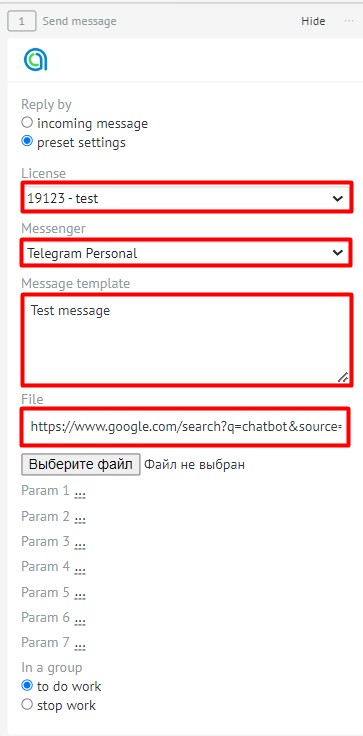
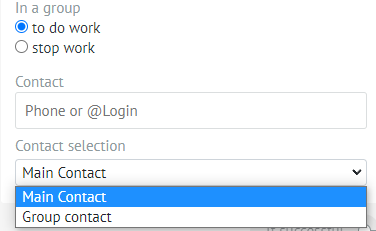
- In group – Choose whether the bot will write messages in group chats or not.
- If you need to send a message to a specific user, enter the number or @Login in the Contact field.
- If you need to write to the main contact in the deal, select: Main contact. If you want to send a message to the group where the main contact is, select Contact with group.
- Save (upper right corner)
When you enter this stage of the funnel, a message with the image that we created will automatically be sent.
