Step 1. Check Bitrix24 connector settings
- It is necessary to check the correctness of entering the phone number in WhatsApp in the format 74952550620
- For Telegram, check the number in the format +74952550620 or username.
- For Bot, check username or URL.
Follow instructions on how to set up the connector
Step 2: Sometimes Bitrix24 does not delete the cache because of this, the widget may not work. To remove it manually try the following:
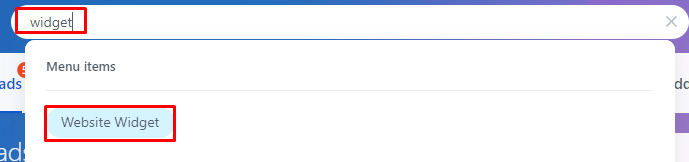
1. Use the Search Bar, and write in “Widget”. In Menu Items select “Website Widget”
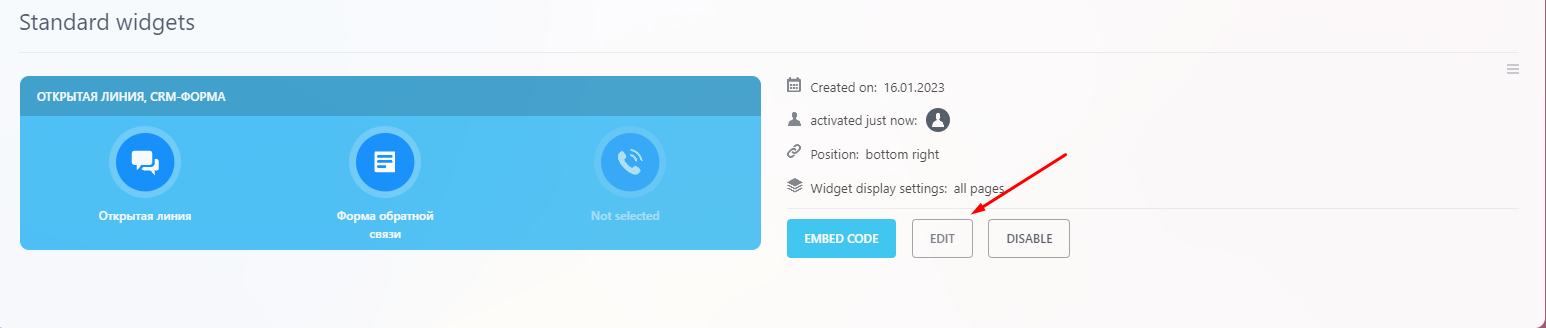
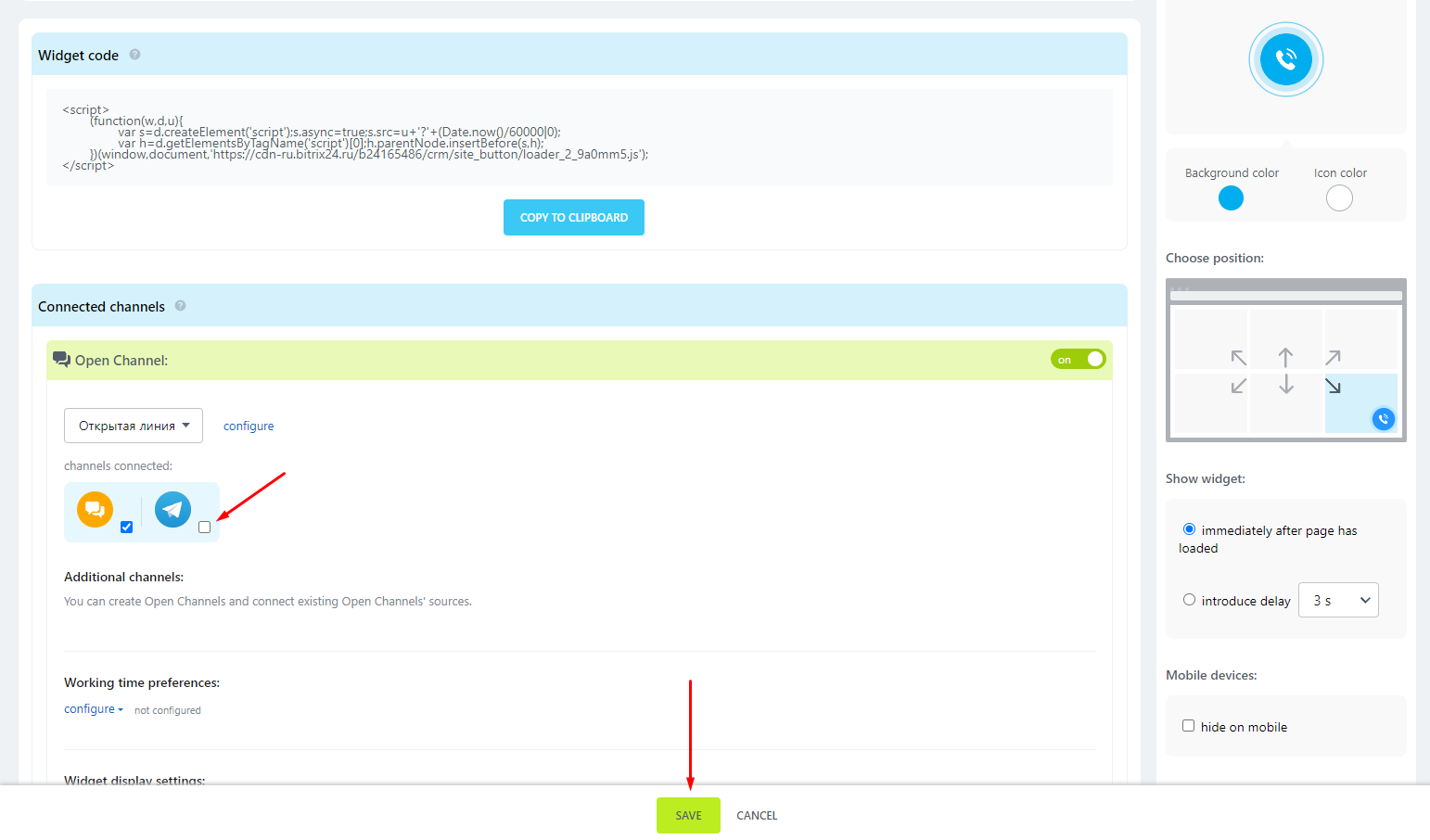
2. Click Edit -> Turn off the channel you are having problems with -> Save
3. Click Edit again -> Enable this channel -> Save
4. Turn Off and Turn On the Widget
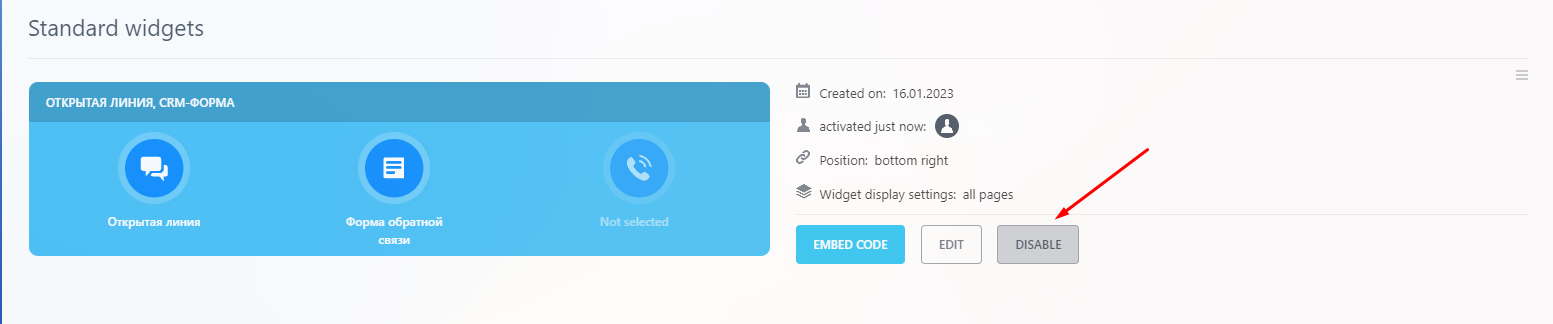
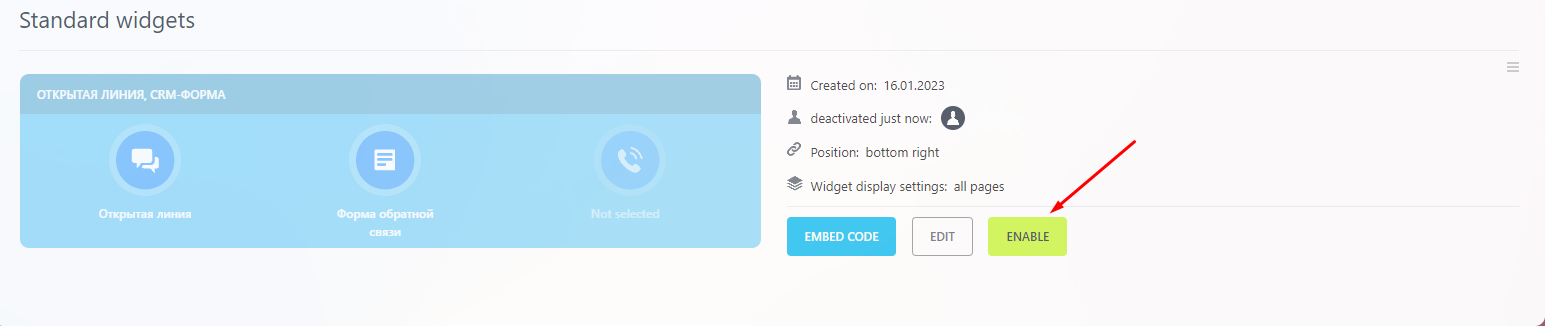
Changes to the widget will be applied in a minute. Wait a minute, reload the page and click on the desired channel in the widget.
