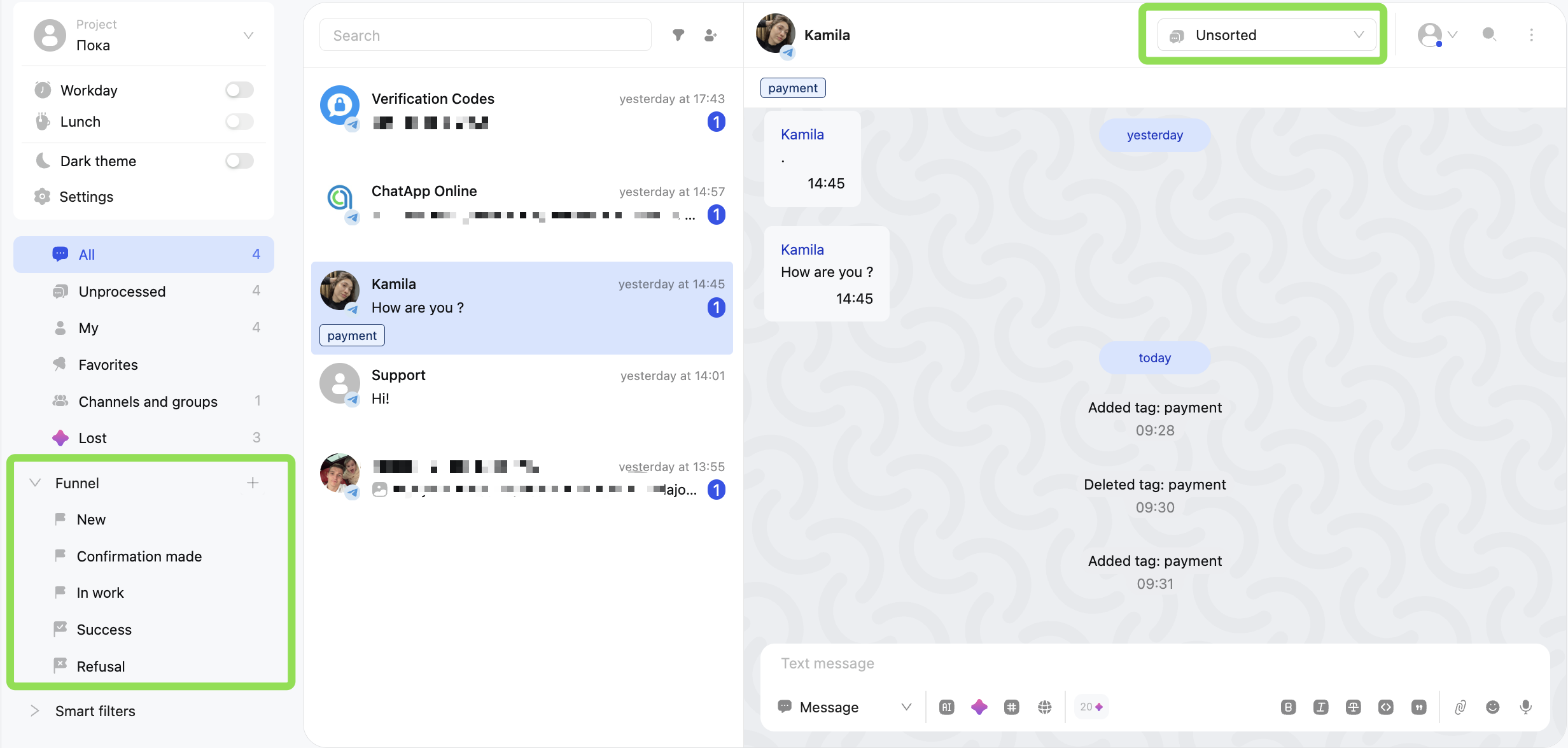
By default, Scenario Dialogs includes a funnel with the following stages: “New”, “Proposal Made”, “In Progress”, “Success”, and “Rejected”.
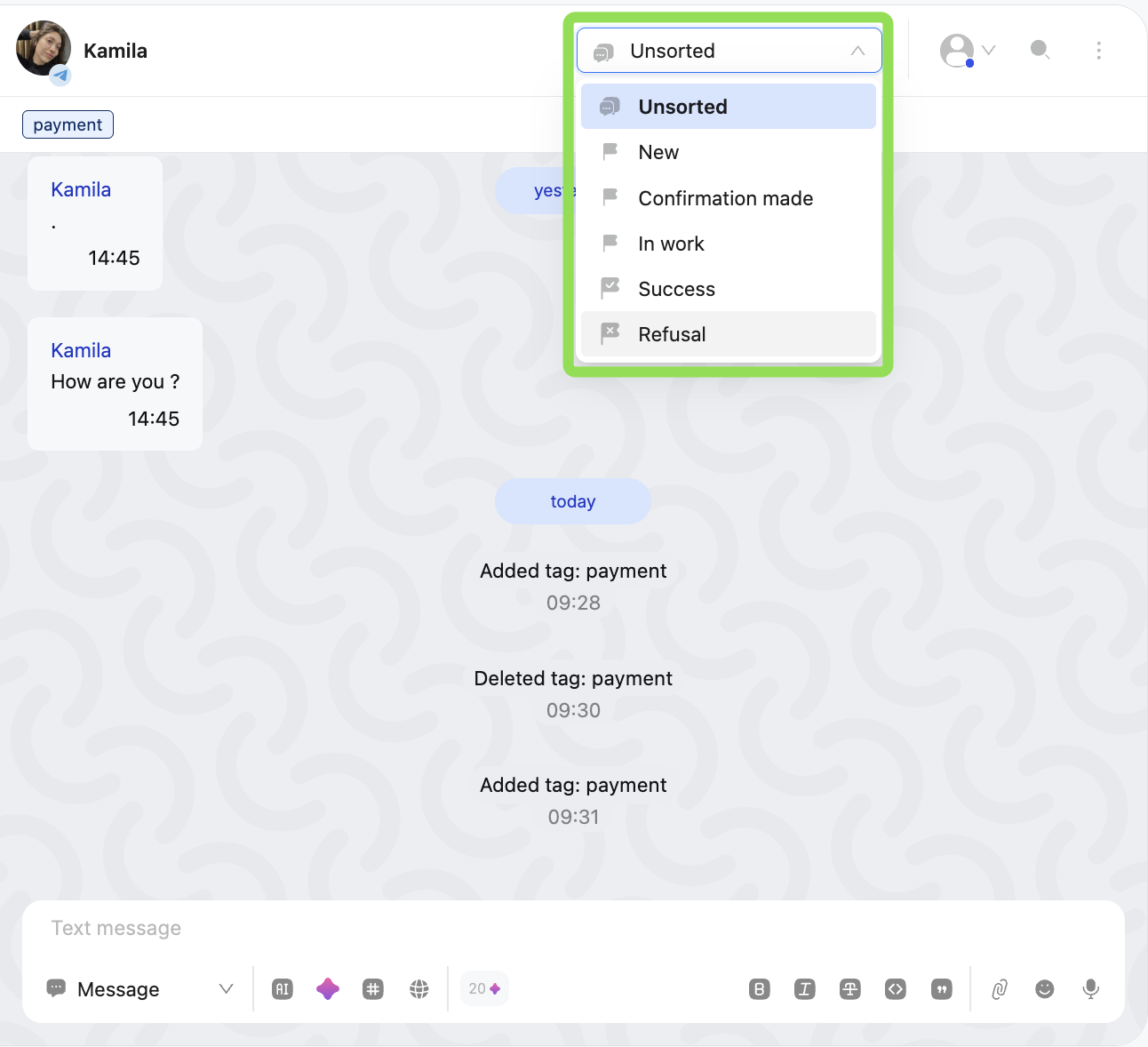
All dialogs are automatically assigned to the “Unsorted” stage.
How to create and manage funnel stages
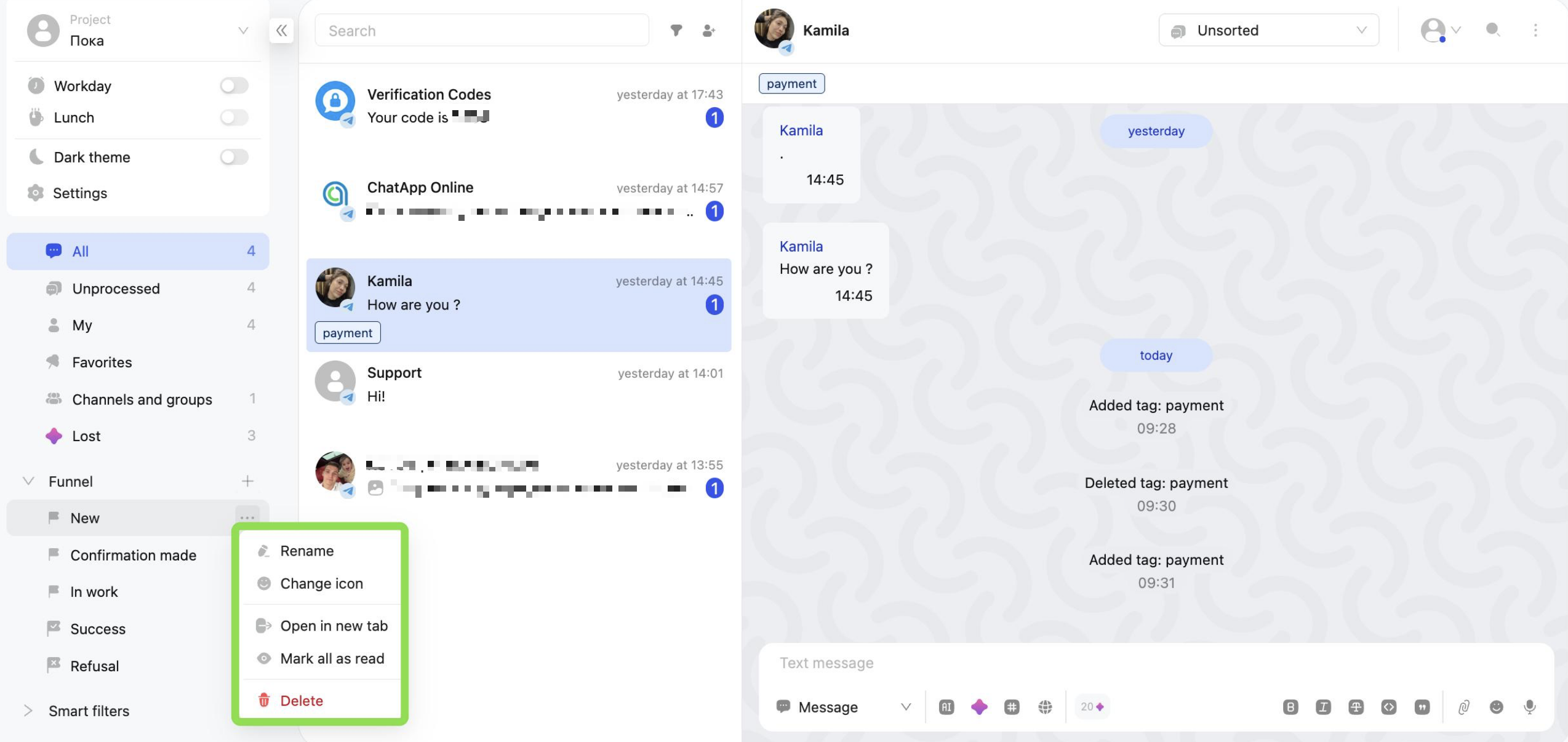
To add a new stage, click “+” next to the funnel. Click “⋯” next to a stage to access the following actions: — rename — select/change the icon — open in a new tab — mark all chats as read — delete the stage
Any stage can be deleted except “Success” and “Rejected”.
How to work with funnel stages
Dialogs can be moved between stages manually, or you can set up automatic dialog distribution across stages using the “Dialogs.pro” block in the Bot Builder.
Clicking a stage applies it as a filter — only dialogs assigned to that stage will be displayed in the list.