Creating a Group
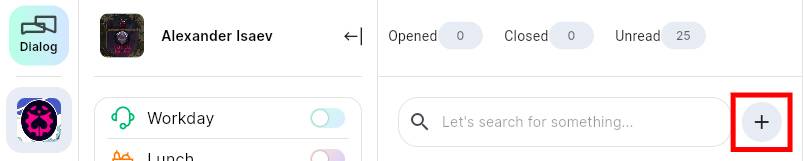
1. Click on the icon;
icon;
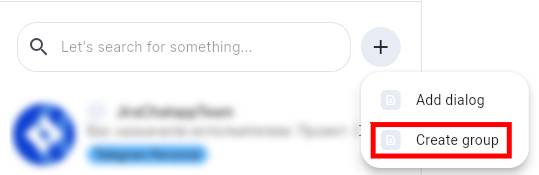
2. Select the “Create group”;
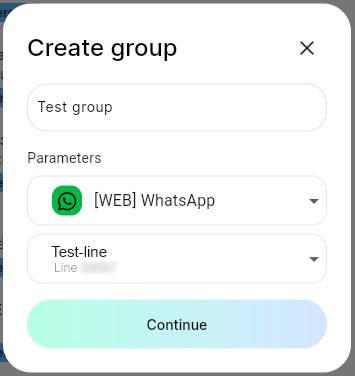
3. Set the name of the group. Select WhatsApp in the messenger selection field. Select a line. Click “Continue”;
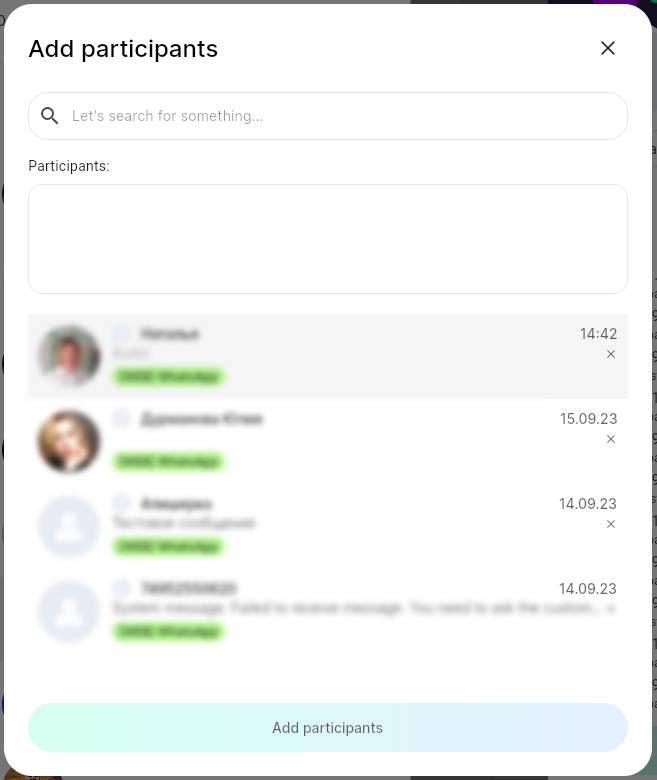
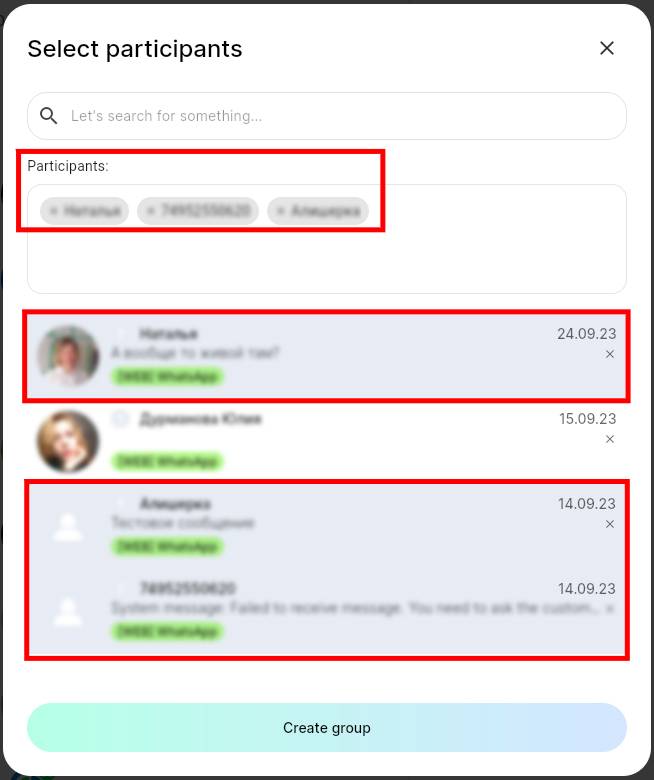
4. Select group members. The selected users will appear in the “Participants” field;
5. Click “Create group”.
Adding members
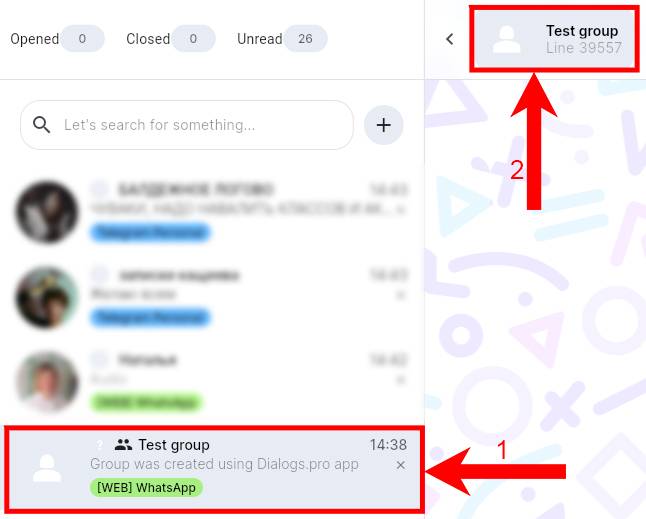
1. Select a group. Click on the icon in the dialog window;
2. Click “Participants”. A menu of group members will open. Click “Add Participants”;
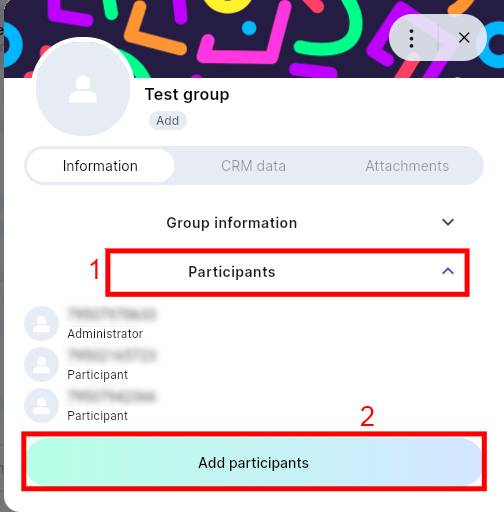
3. Select new conversation participants. Click “Add Participants”.