

To enable Google Sheets in your merchant profile:
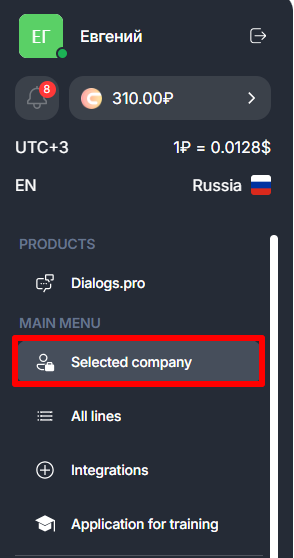
- Go to the “Selected company” section.
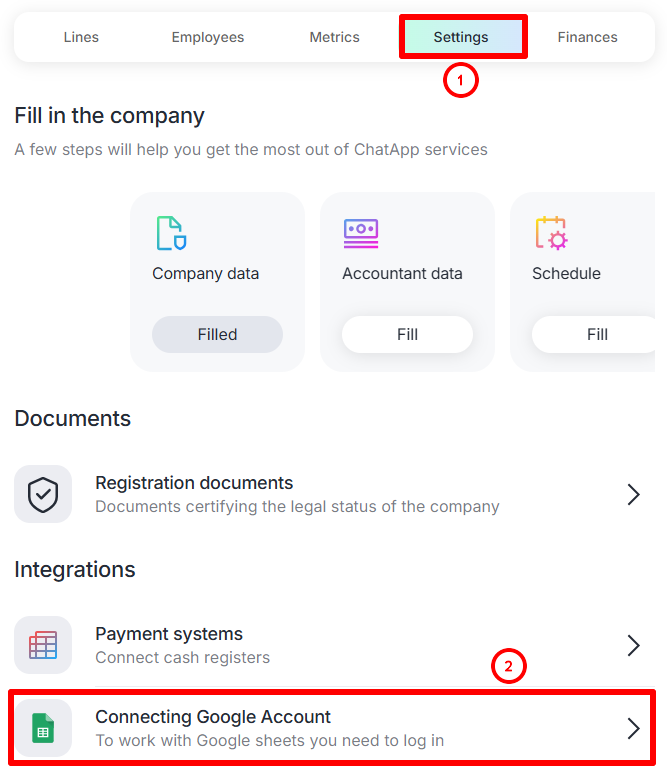
- Go to “Settings” and select “Connect Google Account” in the “Integrations” section.
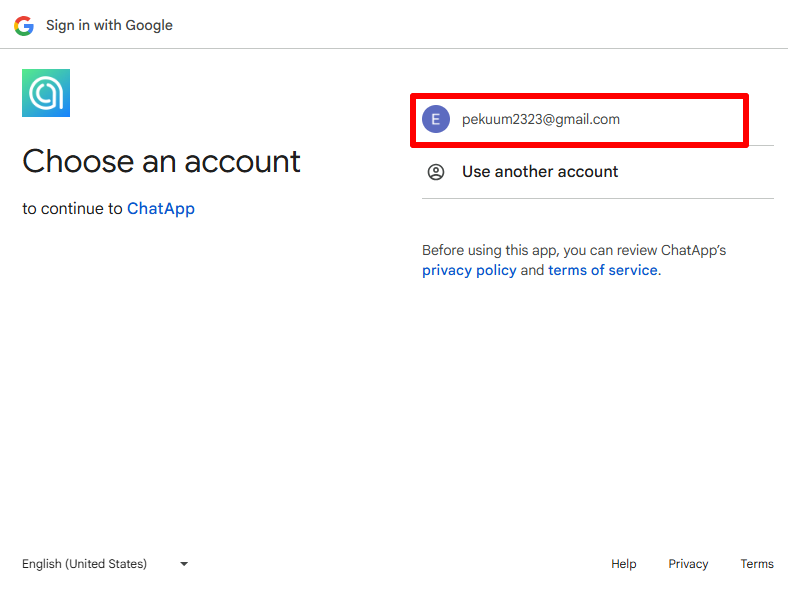
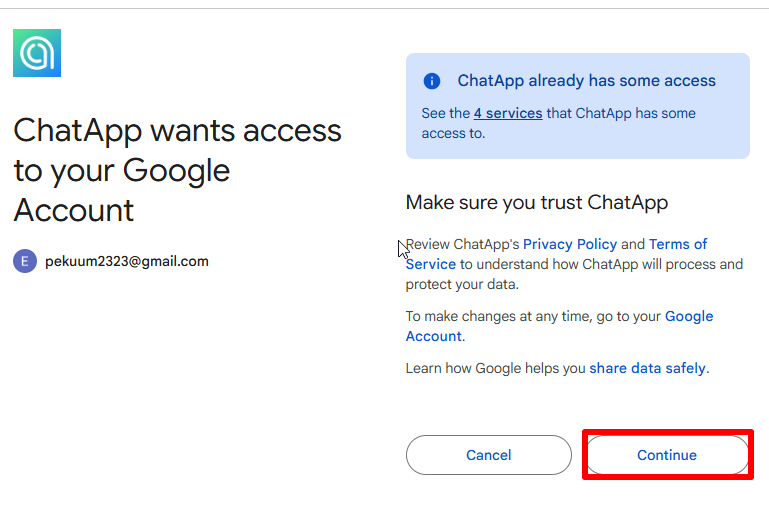
- Select an account.
- Select “Continue”.
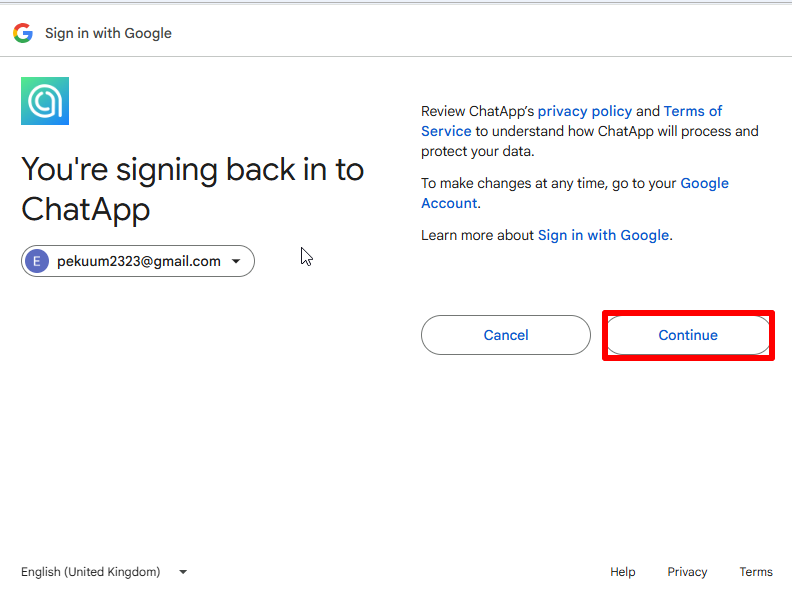
- Grant the rights — click “Continue”.
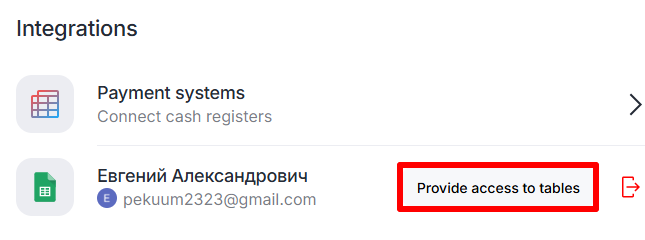
- Click on “Provide access to tables”.
- Select the desired file and click “Select”. To select multiple files at once, hold down Shift and select the desired tables.
